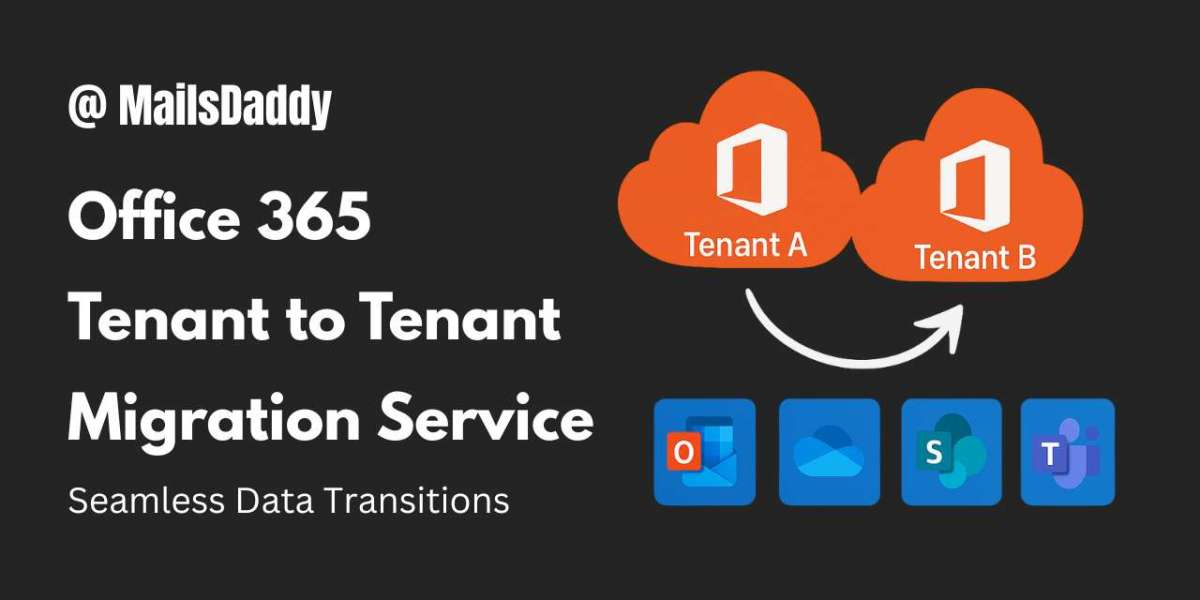
Cloud adoption has transformed how organizations collaborate and manage data. Microsoft 365 stands at the center of this transformation, powering email communication, file sharing, and teamwork across businesses worldwide. However, when companies undergo mergers, acquisitions, divestments, or rebranding, they often face a major technical challenge—Office 365 tenant to tenant migration.
Tenant migration involves moving users, mailboxes, OneDrive data, SharePoint sites, Teams conversations, and permissions from one Microsoft 365 tenant to another. While Microsoft provides some native tools, they are limited, complex, and not designed for large or business-critical migrations. This is why organizations increasingly rely on professional services such as MailsDaddy Cross-Tenant Migration Service to ensure accuracy, security, and continuity.
Why Office 365 Tenant to Tenant Migration Is Required
There are many real-world scenarios where tenant migration becomes unavoidable:
Company mergers or acquisitions, requiring consolidation of IT environments
Business rebranding, where a new tenant replaces an old one
Tenant separation, when departments or subsidiaries split
Geographical expansion, requiring regional tenants
Security or compliance restructuring
In all these cases, organizations must migrate data without disrupting daily operations or risking data integrity.
Common Challenges Faced During Tenant-to-Tenant Migration
Despite its importance, Microsoft 365 tenant to tenant migration is one of the most complex cloud operations. Organizations attempting manual migration often face the following challenges:
Domain dependency issues, as a domain cannot exist in two tenants at the same time
Heavy reliance on PowerShell, requiring advanced scripting knowledge
No native Teams chat migration, leading to collaboration data loss
Broken permissions in SharePoint and OneDrive
Email downtime risks during MX and DNS changes
Data throttling limitations imposed by Microsoft
Lack of centralized reporting and monitoring
High risk of human error
These challenges make manual migration unsuitable for enterprise environments.
MailsDaddy Cross-Tenant Migration Service – A Complete Solution
The MailsDaddy Cross-Tenant Migration Service is designed to address all these challenges through automation, expertise, and enterprise-grade security. It delivers a fully managed migration experience, ensuring that every workload is transferred accurately.
Supported Microsoft 365 Workloads
Exchange Online mailboxes
Archive mailboxes
OneDrive for Business
SharePoint Online sites
Microsoft Teams
Microsoft 365 Groups
Public folders
This comprehensive coverage ensures that no critical data is left behind.
How the Migration Process Works
1. Pre-Migration Assessment & Strategy
MailsDaddy begins with a complete evaluation of both source and target tenants. This includes analyzing mailbox sizes, user counts, permissions, licensing, and dependencies. A customized migration roadmap is created to avoid conflicts and downtime.
2. Domain & Tenant Preparation
Domains are carefully detached from the source tenant and reattached to the destination tenant at the right time. This step is executed with precision to ensure uninterrupted email flow.
3. User Mapping & Permission Alignment
Each user from the source tenant is mapped to the corresponding user in the destination tenant. Permissions for OneDrive, SharePoint, and Teams are preserved to maintain collaboration continuity.
4. Automated Data Migration
Using secure automated tools, MailsDaddy migrates:
Emails, folders, attachments
Calendars, contacts, and tasks
OneDrive documents with metadata
SharePoint libraries and site structures
Teams channels, chats, and files
All data transfers are encrypted and authenticated using OAuth 2.0.
5. Incremental Synchronization
After the initial migration, incremental sync ensures that only new or modified data is transferred. This guarantees zero data loss before final cutover.
6. Final Cutover & Validation
Mail flow is switched to the new tenant, DNS records are updated, and users are granted access. A final validation confirms migration accuracy.
Benefits of Using MailsDaddy Cross-Tenant Migration Service
Zero Downtime:
Employees continue working without interruption while migration runs in the background.
Complete Data Integrity
No missing emails, files, permissions, or metadata.
Enterprise-Level Security
OAuth authentication, encryption, and audit logs ensure compliance and data protection.
Faster Migration Timelines
Parallel processing accelerates large-scale migrations.
No Technical Burden
No PowerShell scripting or manual exports required.
Scalable for Any Business Size
Suitable for startups, SMBs, and large enterprises alike.
Conclusion
Office 365 tenant to tenant migration is a critical task that directly impacts business continuity, security, and employee productivity. While manual approaches may appear cost-effective, they introduce risks that most organizations cannot afford.
With MailsDaddy Cross-Tenant Migration Service, businesses gain a secure, efficient, and fully managed migration experience—ensuring a smooth transition to the new tenant without downtime or data loss.